
Search
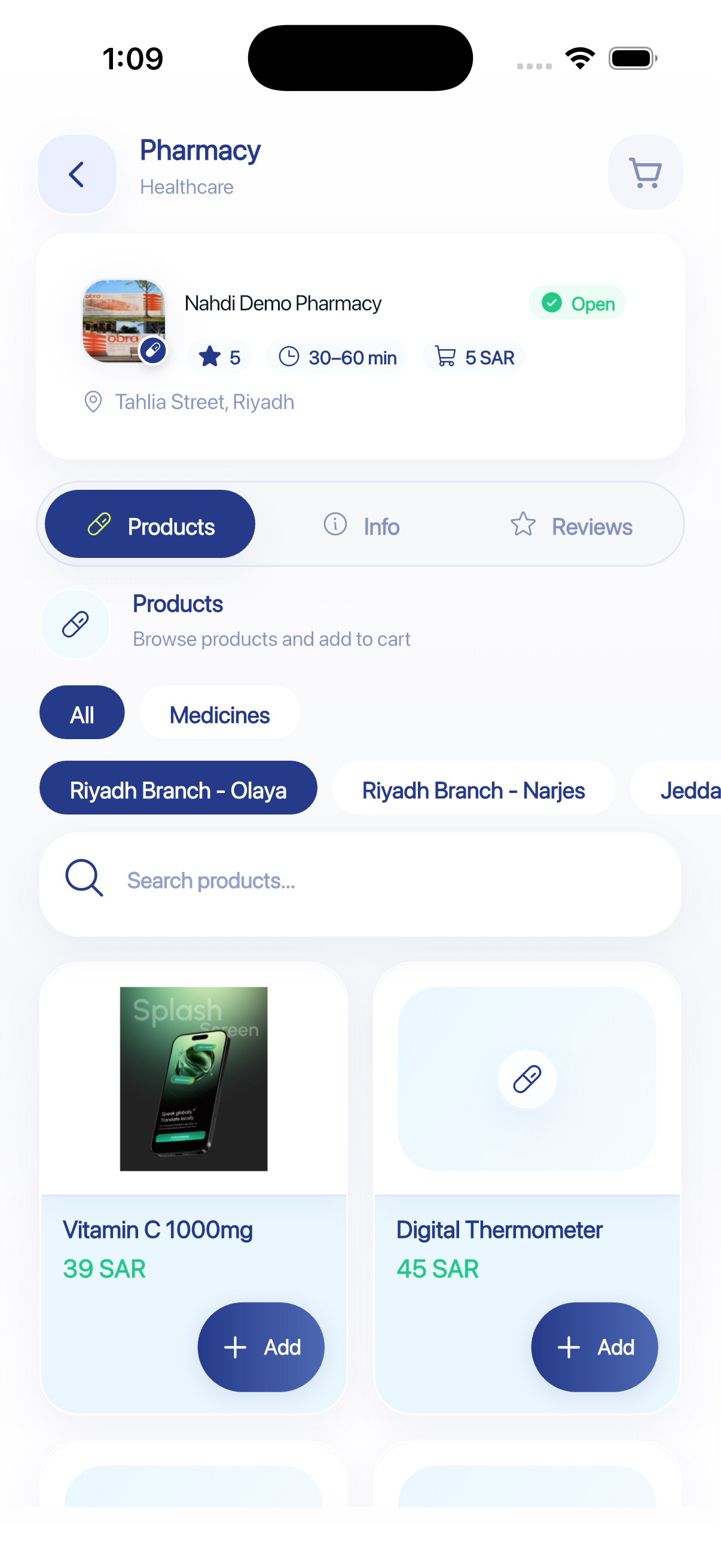
Browse and search through pharmacy products.
An Ask Service
Browse pharmacy products. Add them to your cart. Check out and track your delivery — all in the Ask app.
Confirmed
Appointment tomorrow 10:00 AM
On the way
Arriving in 5 mins
The Ask Experience
Discover the right service, choose the details that fit, then follow your request inside Ask.
Search medicines and products
Results
Browse and search through pharmacy products.
Review your cart and adjust quantities with ease.
Use Google Maps integration to confirm your delivery address.
Prescription policies require business confirmation before this claim can be published.
You receive real-time push notifications and can check order status inside the app.
For order modifications, contact the provider directly through chat inside Ask.
Download Ask and complete your request in the app.
One app. Everyday services.
Start with your everyday services, or manage your business through the provider portal.